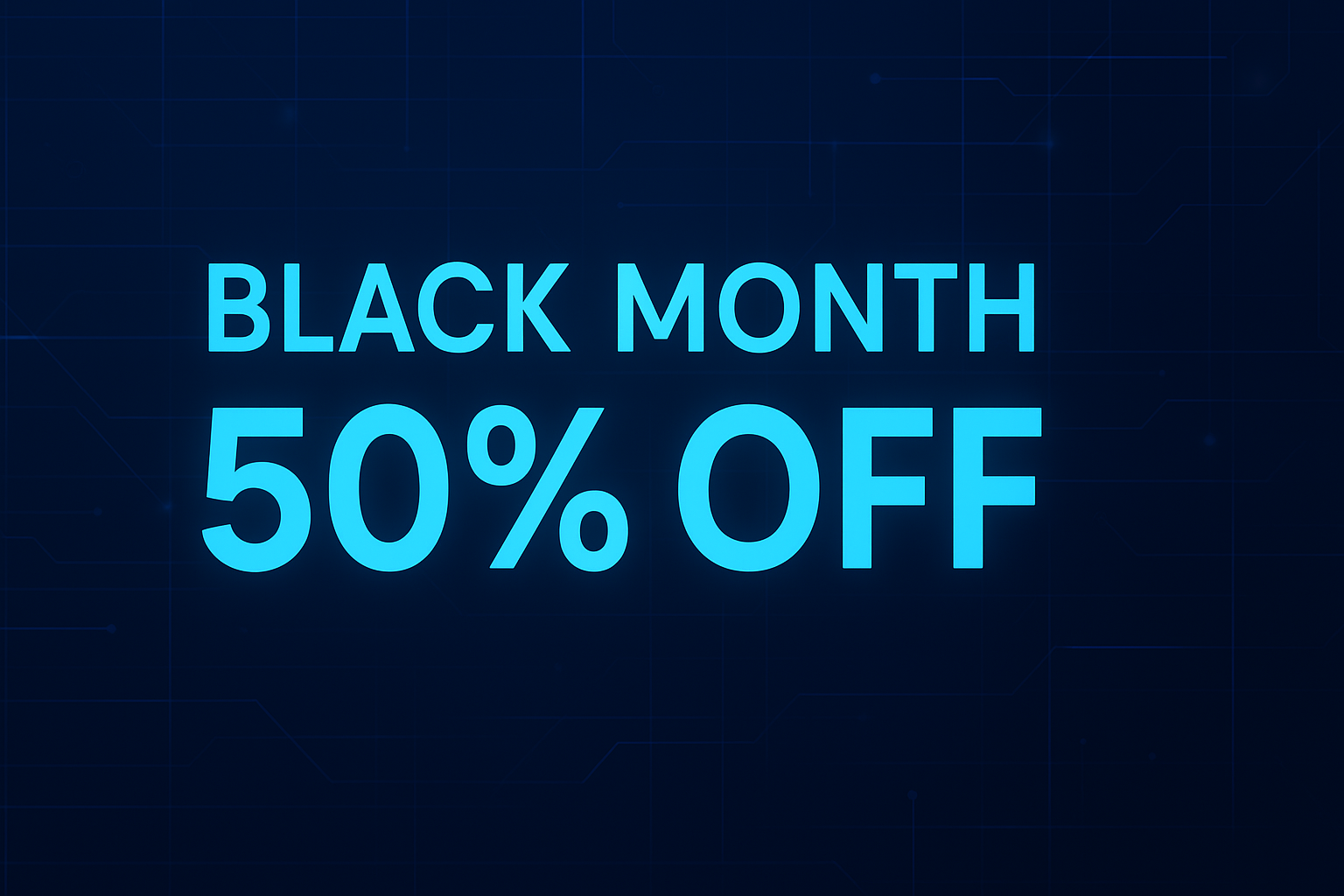
🎉 Black Month Special: 50% Off + Major System Updates!
🎁 BLACK MONTH COUPON CODE: blackmonth
Use the coupon code blackmonth to get 50% OFF on any service order or upgrade!
- Discount: 50% off
- Usage: One-time use per account
- Valid For: Any service order or upgrade
- How to Use: Enter
blackmonthat checkout
🚀 Limited-time offer — don’t miss out!
🚀 Major System Updates & New Features
✨ Service Upgrade System
Upgrade your services seamlessly without manual requests!
- VIP → Admin VIP → Specadmin
Everything is handled automatically — focus on gaming, not paperwork!
🔐 Multiple Authentication Methods
🎮 1. Steam ID Authentication
- New! Order services using your Steam ID
- New! Quick Steam login button for automatic ID detection
- New! Update your Steam ID anytime from your client panel
- Works for HLDS and SRCDS servers
🌐 2. IP Address Authentication
- Order using your IP address
- New! Automatic IP detection
- New! Update your IP anytime from your client panel
- Perfect for IP-based access services
👤 3. Nickname + Password Authentication
- Traditional nickname & password access
- New! Update nickname and password anytime
- New! Password visibility toggle in the panel
- Secure and reliable
🛠️ Enhanced Client Panel Features
- Update Steam ID anytime
- Update IP Address anytime
- Update Nickname & Password easily
- View Service Details at a glance
🎯 Additional Improvements
- Unban Services for HLDS & SRCDS
- Search by IP, Nickname, or Steam ID
- Instant ban removal after payment
- H2Coin (Ammo Packs)
- Automatic player validation
- Connection status checking
- Improved Order Process with streamlined checkout
- Better Error Handling with clearer explanations
- Enhanced Security for maximum user protection
📋 How to Use the New Features
🛒 Ordering a Service
- Select your service
- Choose your authentication method
- Fill in required information or use Steam login
- Apply the
blackmonthcoupon code - Complete your purchase
⬆️ Upgrading a Service
- Go to your client panel
- Select the service you want to upgrade
- Click Upgrade and choose the new service level
- Apply the
blackmonthcoupon code - Complete the upgrade
⚙️ Managing Your Service
- Go to your client panel
- Select your service
- Use update buttons (Steam ID, IP, Nick/Password)
- Changes are applied automatically
🎮 Supported Server Types
- HLDS Servers (Half-Life Dedicated Server)
- SRCDS Servers (Source Dedicated Server)
💡 Tips & Best Practices
- Steam ID: Use the Steam login button — fastest setup!
- IP Address: Automatically detected, but editable
- Nickname: No spaces or special characters (use letters, numbers, underscore, or dash)
- Password: Use
setinfo _pw "yourpassword"to connect - Upgrades: Upgrades only — no downgrades
- Coupon: One-time use per account
- Service Management: All updates are applied automatically
🆘 Need Help?
- Check our support ticket system
- Contact our support team
- Visit our documentation
🎊 Thank You!
Thank you for being part of the HL2GO community! Enjoy the new features and don’t forget to use the blackmonth coupon code for 50% OFF!
Happy Gaming! 🎮
This update includes significant security improvements and performance optimizations. Your data and services are now more secure than ever.
Leave a Reply
You must be logged in to post a comment.